Find the check that matches your connection problem
Use the app recommended for the exact board and hardware version. If you need an installer or firmware package, ask for the matching version rather than downloading an unknown APK.
| Symptom | Check first | If it persists |
|---|---|---|
| BMS is absent from the scan | Confirm the board is activated, phone Bluetooth is on and app permissions are allowed. | Record the model and status lights; have the power and activation sequence checked against its manual. |
| BMS appears but will not connect | Close other phones or monitoring clients connected over Bluetooth, then retry nearby. | Record app, phone OS and BMS versions for support. |
| Request device information failure | Reconnect near the board and check that the app matches the hardware. | Send the exact error and version details; the message alone does not prove the board is faulty. |
| Connection drops or data stops | Keep the app foregrounded and check phone power-saving restrictions. | Compare with a second supported phone before changing the BMS configuration. |
Related products and current prices
Examples from the current catalog, not a compatibility shortlist. Confirm the exact BMS, firmware, pinout and included package before ordering. Prices in USD.
All JKBMS models and accessories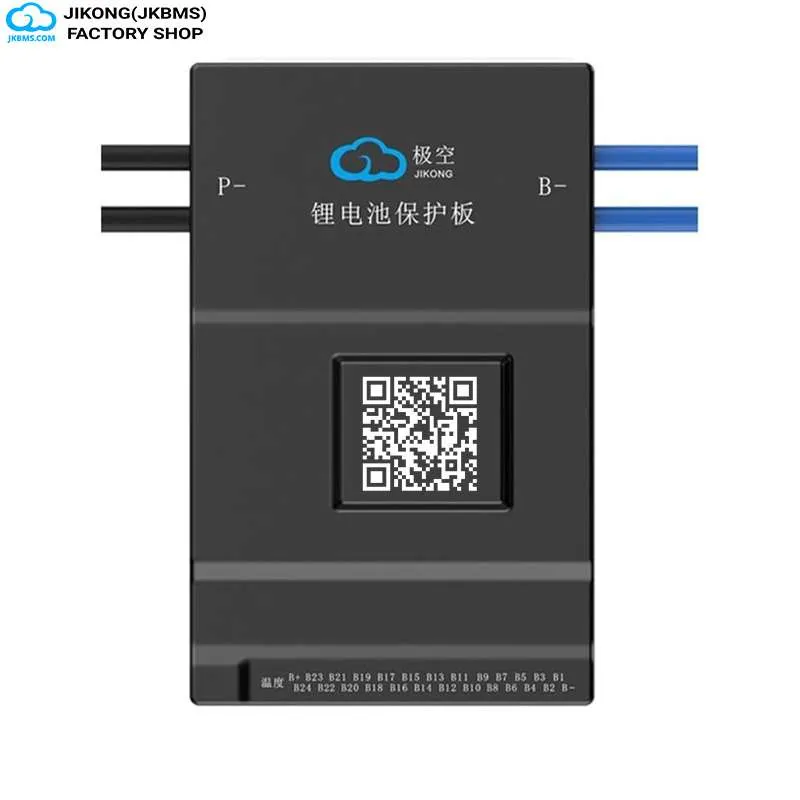
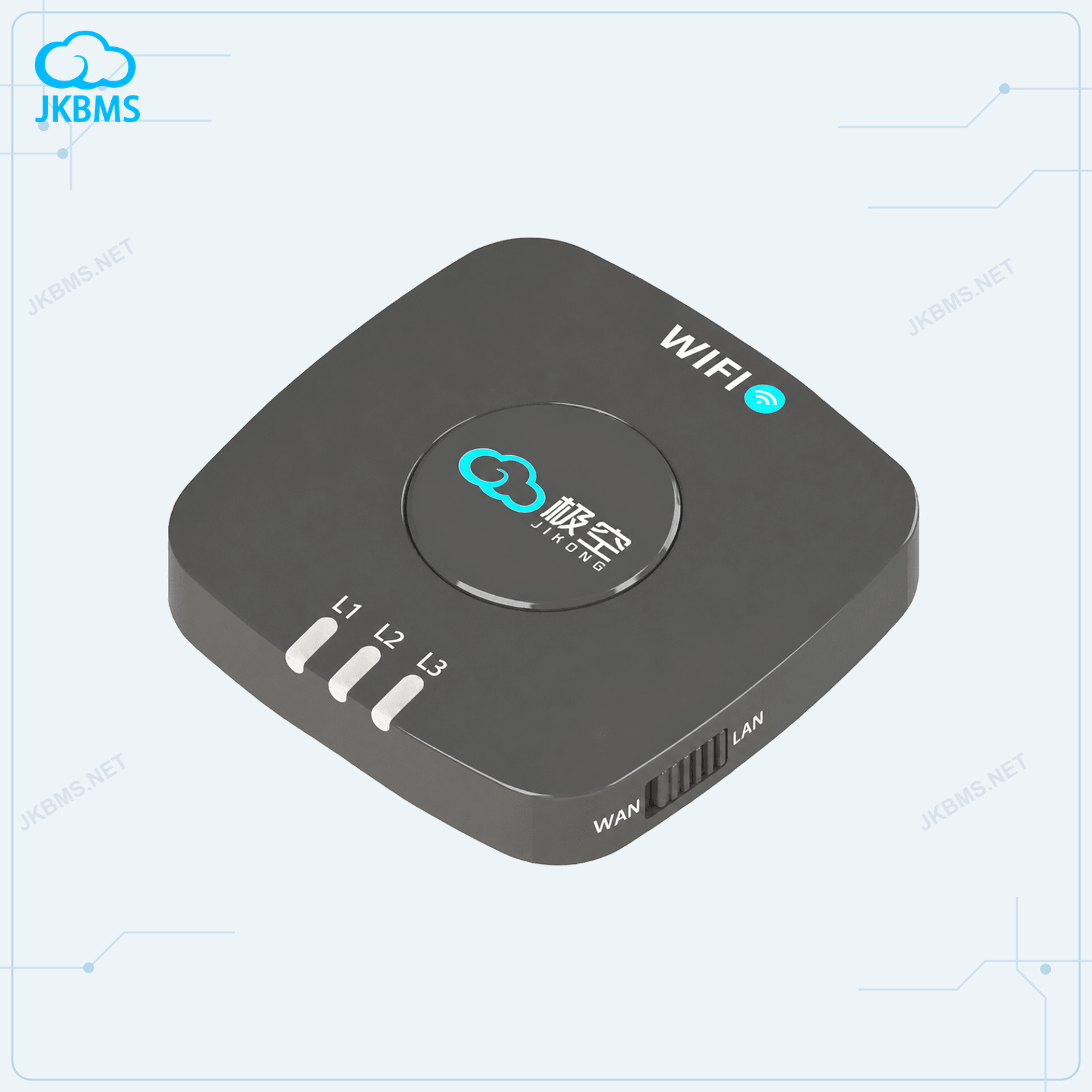
Power the board before expecting a Bluetooth signal
A board that is unpowered or not activated may not advertise over Bluetooth. Check the status indication and the activation instructions for the exact model before assuming an empty scan means a failed Bluetooth module.
Battery wiring and sense-lead checks belong with a qualified installer following the matching manual. Do not unplug a live harness, bypass protection, or energise an uncertain connection as an app troubleshooting step.
Release another active Bluetooth connection
Another phone or monitoring client can hold the Bluetooth connection on hardware that accepts only one client. Close that connection before retrying from the commissioning phone.
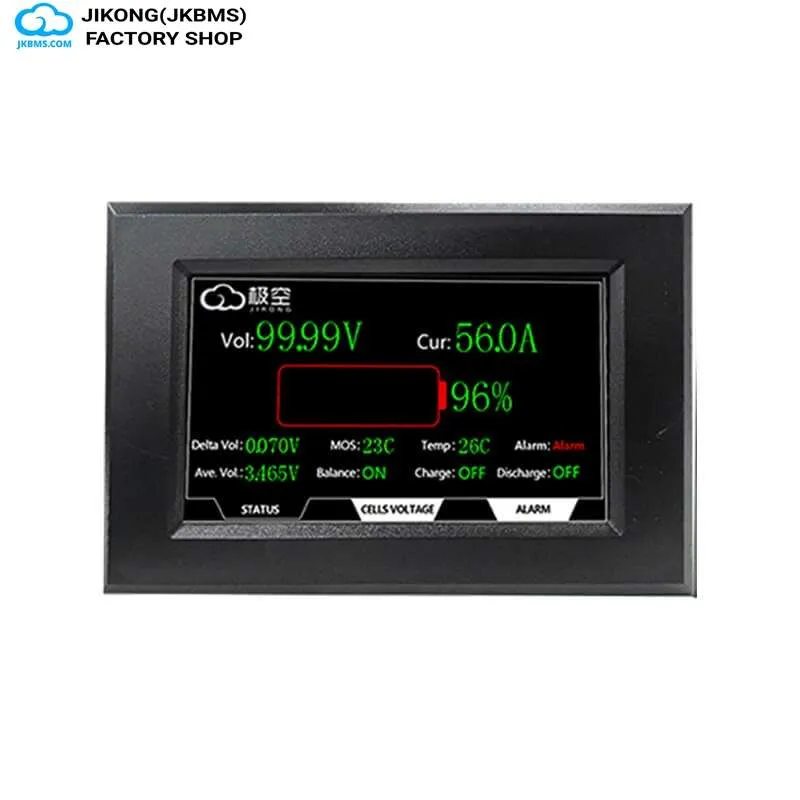
A wired display is not automatically a Bluetooth client. Leave installed wiring alone unless the matching accessory manual or support team specifically requires a change.
- Close the app fully on other phones rather than just locking the screen
- Disconnect other Bluetooth monitoring clients through their software
- Remove the stale pairing entry from the phone Bluetooth settings and rediscover
- Toggle phone Bluetooth off and on to clear a half-open connection
Grant the permissions the scan actually needs
Android 12 and later use Nearby devices permissions for Bluetooth scanning and connection. Location requirements depend on the Android version and how the app was built; older versions commonly require location permission for scanning. Allow the permissions actually requested by the supported app.
Check the permissions in the phone system settings for the app rather than only inside the app, and confirm that battery-optimisation settings are not suspending it in the background.
Read settings before changing them
Protection thresholds, balancing parameters, capacity, and series count are all writable from the app. Changing them without recording the original values can leave a pack unprotected or prevent it from charging.
Record the existing configuration before editing anything, change one parameter at a time, and confirm the value against the manual for your specific model. The exact parameter set differs between the JK-BD, JK-PB, JK-B1A, and JK-B2A families.
When the app is not the right tool
For a permanently installed system, a wired display or an RS485 or CAN link to an inverter is more reliable than a phone connection, which is limited by Bluetooth range and holds only one client.
Use the app for commissioning, configuration, and diagnostics, and use a wired interface for continuous monitoring and inverter integration.
Questions this raises most often
The board is most often unpowered, already connected to another device, or the phone has not been granted location and nearby-device permissions needed to scan for Bluetooth Low Energy peripherals.
Do not assume simultaneous phone connections are supported. Close other Bluetooth clients and retry. A wired display is not necessarily a Bluetooth client and should not be disconnected as a routine troubleshooting step.
Model manuals and accessory documentation are published on the downloads page of this site. Confirm the parameter set against the manual for your exact model family before changing protection settings.
Bluetooth can provide local monitoring within its range, but phone sleep and connection limits can interrupt it. For continuous system integration, check the wired interfaces supported by the exact BMS and inverter.
Take it to a part number
Ratings vary between codes that read almost the same, so settle the decision here and then confirm the figures on the product page for the exact code.