Which JK BMS settings should you check?
There is no safe universal settings file for every LiFePO4 pack. Use the cell manufacturer limits, the pack design and the manual for the exact BMS. Do not increase a protection threshold just to clear a warning.
| Setting group | Record | Compare against |
|---|---|---|
| Pack identity | Cell chemistry, series count and rated Ah | Actual cell arrangement and cell datasheet |
| Voltage protection | Cell limits and recovery thresholds | Cell manufacturer limits and charger configuration |
| Current and temperature | Charge/discharge limits and temperature protection | Cells, BMS rating and the installed pack design |
| Balancing | Start conditions and enabled options | The model manual and cell behaviour |
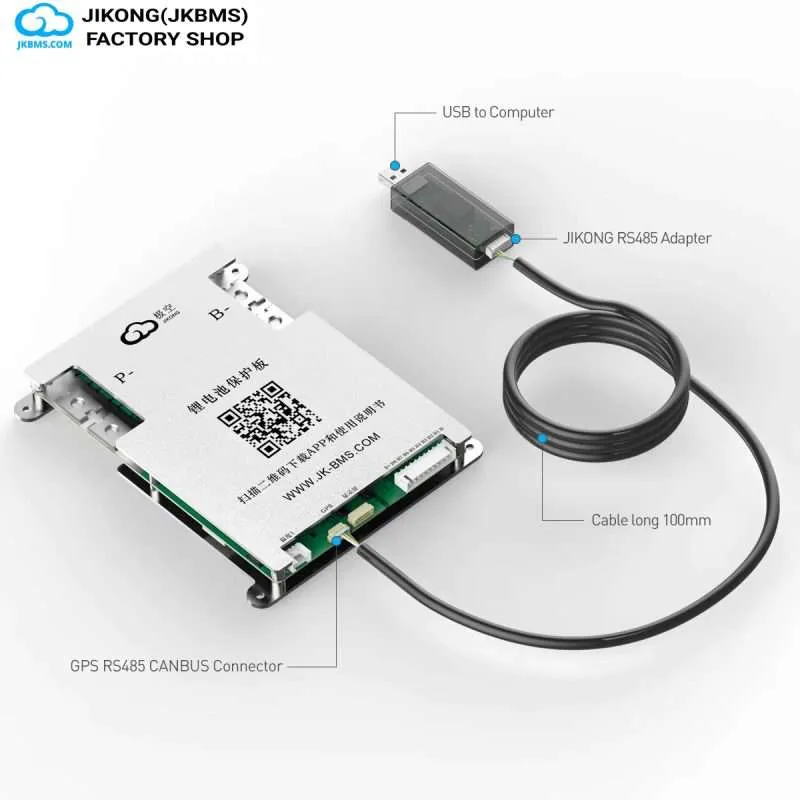
| Communication | Hardware/firmware versions and selected protocol | The exact inverter model and its manual |
Related products and current prices
Examples from the current catalog, not a compatibility shortlist. Confirm the exact BMS, firmware, pinout and included package before ordering. Prices in USD.
All JKBMS models and accessories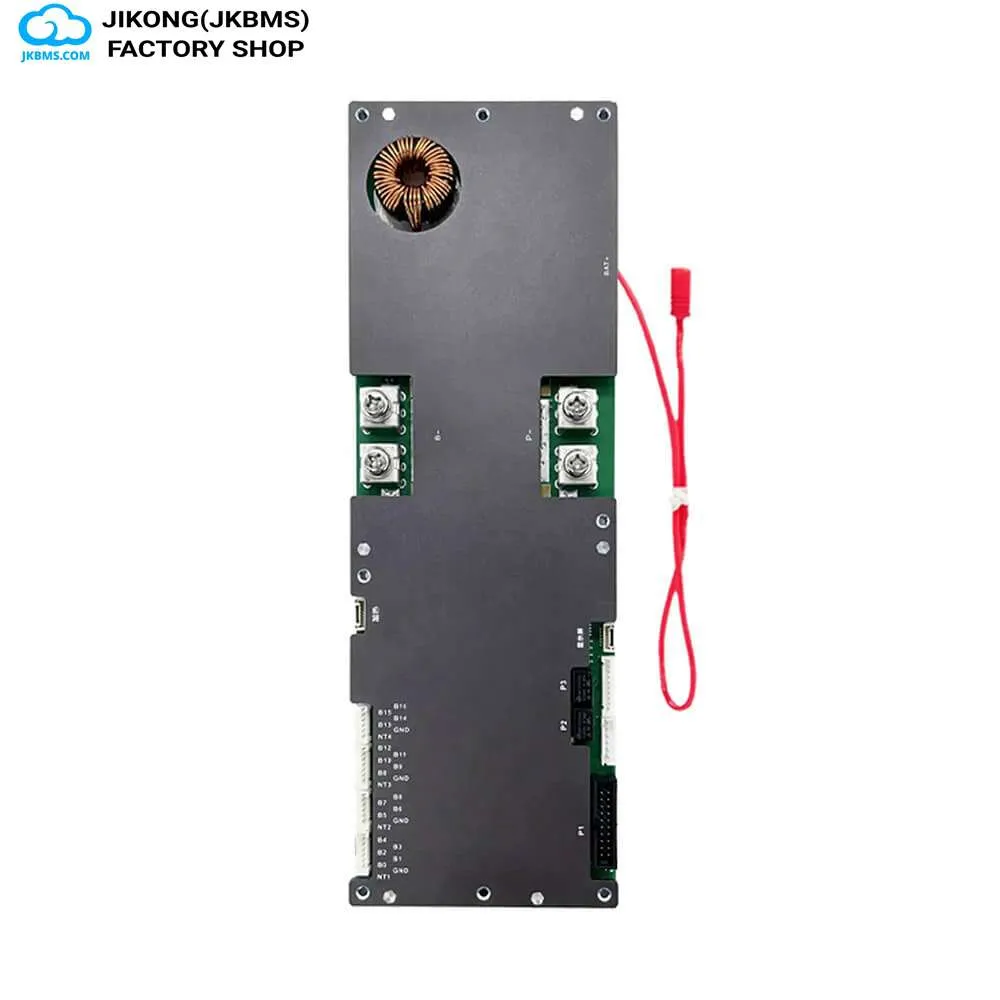
Identify the firmware before comparing settings
The parameter list shown in the app is produced by the firmware on the board, not by the model number on the label. A settings screenshot from another user may show options your board does not have, or use a different name for the same threshold.
Read the hardware and software version reported by the board first, and treat that pairing as the reference when following any external instructions.
Record the working configuration before editing
There is no reliable way to recover a forgotten configuration once it has been overwritten. Photograph or write down every parameter screen while the pack is behaving correctly.
This matters most for cell count, capacity, and the protection thresholds, because an incorrect series count changes how every other protection value is applied.
- Record cell count and rated capacity
- Record cell overvoltage and undervoltage thresholds and their recovery points
- Record charge and discharge current limits
- Record temperature protection points
- Record balancing start voltage and balancing current setting
Change one parameter at a time
Protection values interact. A charge cutoff raised without adjusting the balancing start point, or a recovery threshold set too close to a protection threshold, produces oscillating faults that are hard to attribute afterwards.
Apply a single change, observe a full charge and discharge cycle, and only then make the next change.
Treat a firmware update as a maintenance operation
A firmware update can reset parameters to defaults and can change which parameters exist. Do not update a board that is in service without first recording the configuration and planning to re-enter it.
Update with the pack in a stable state rather than under load or at an extreme state of charge, and do not interrupt the process. Obtain firmware only from the official source for your model, since a mismatched image can leave the board unrecoverable.
When a setting cannot explain the behaviour
Symptoms that persist across a known-good configuration are usually wiring or cell problems rather than parameter problems: a loose cell-voltage harness, a damaged sense lead, or a genuinely weak cell will produce protection events that look like a misconfiguration.
Check the per-cell voltages reported by the board against a meter before continuing to adjust thresholds.
Questions this raises most often
The parameter list is produced by the firmware on the board. Boards with the same model number but different firmware versions can expose different parameters or use different names for the same threshold.
It can reset parameters to defaults and can change which parameters exist. Record the full configuration before updating and plan to re-enter it afterwards.
Record cell count, rated capacity, cell overvoltage and undervoltage thresholds with their recovery points, charge and discharge current limits, temperature protection points, and balancing settings.
Persistent protection events across a known-good configuration usually indicate a loose or damaged cell-voltage harness or a weak cell. Verify per-cell voltages against a meter before adjusting thresholds further.
Take it to a part number
Ratings vary between codes that read almost the same, so settle the decision here and then confirm the figures on the product page for the exact code.