JK-BD and JK-PB: model-by-model comparison
Examples from the current catalog, not a compatibility shortlist. Confirm the exact BMS, firmware, pinout and included package before ordering. Prices in USD.
| Product | From (USD) | Cells in series | Continuous current | Active balancing | Communication / features |
|---|---|---|---|---|---|
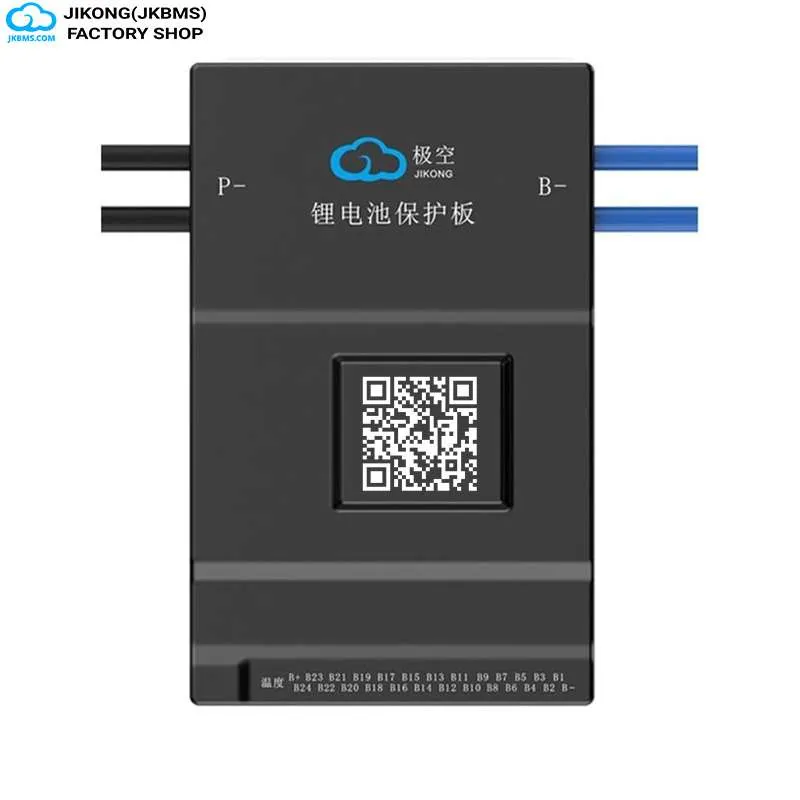 JK-BD6A24S20PJKBMS JK-BD Series JK-BD6A24S20PJKBMS JK-BD Series | $130.57 | 8-24S | 200A | 0.6A | Bluetooth, Display |
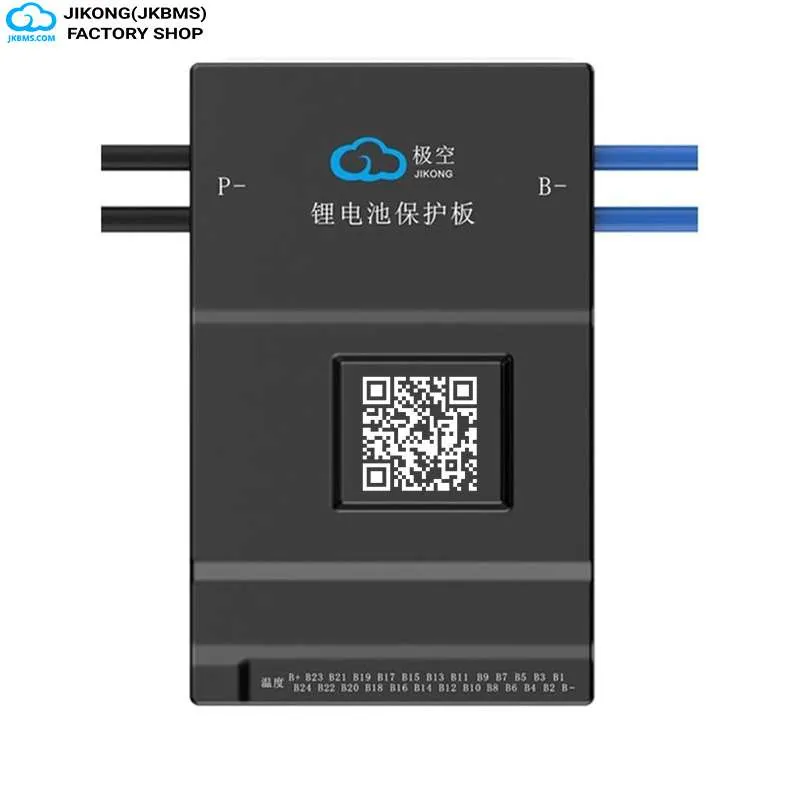 JK-BD6A20S20PJKBMS JK-BD Series JK-BD6A20S20PJKBMS JK-BD Series | $106.81 | 8-20S | 200A | 0.6A | Bluetooth, Display |
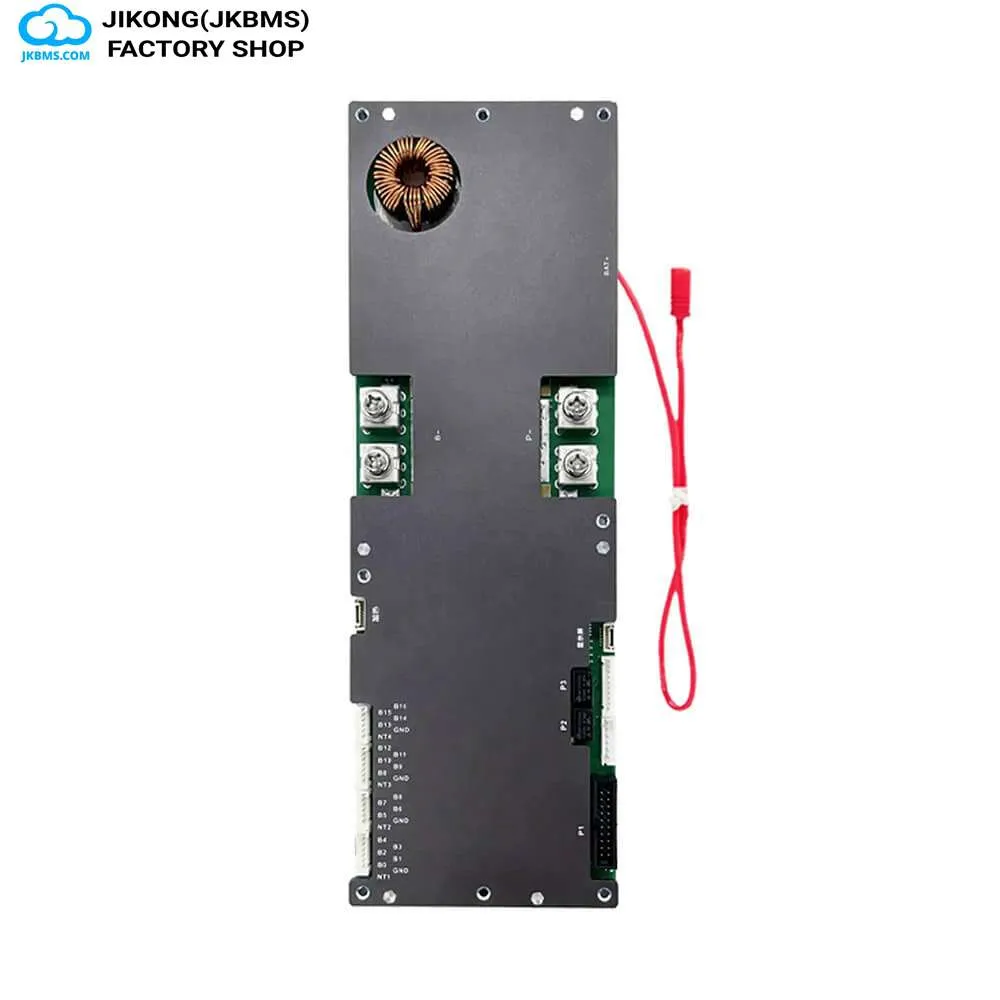 JK-PB2A16S20PJKBMS JK-PB Series JK-PB2A16S20PJKBMS JK-PB Series | $158.98 | 8-16S | 200A | 2A | Bluetooth, CAN, Heating Function, RS485 |
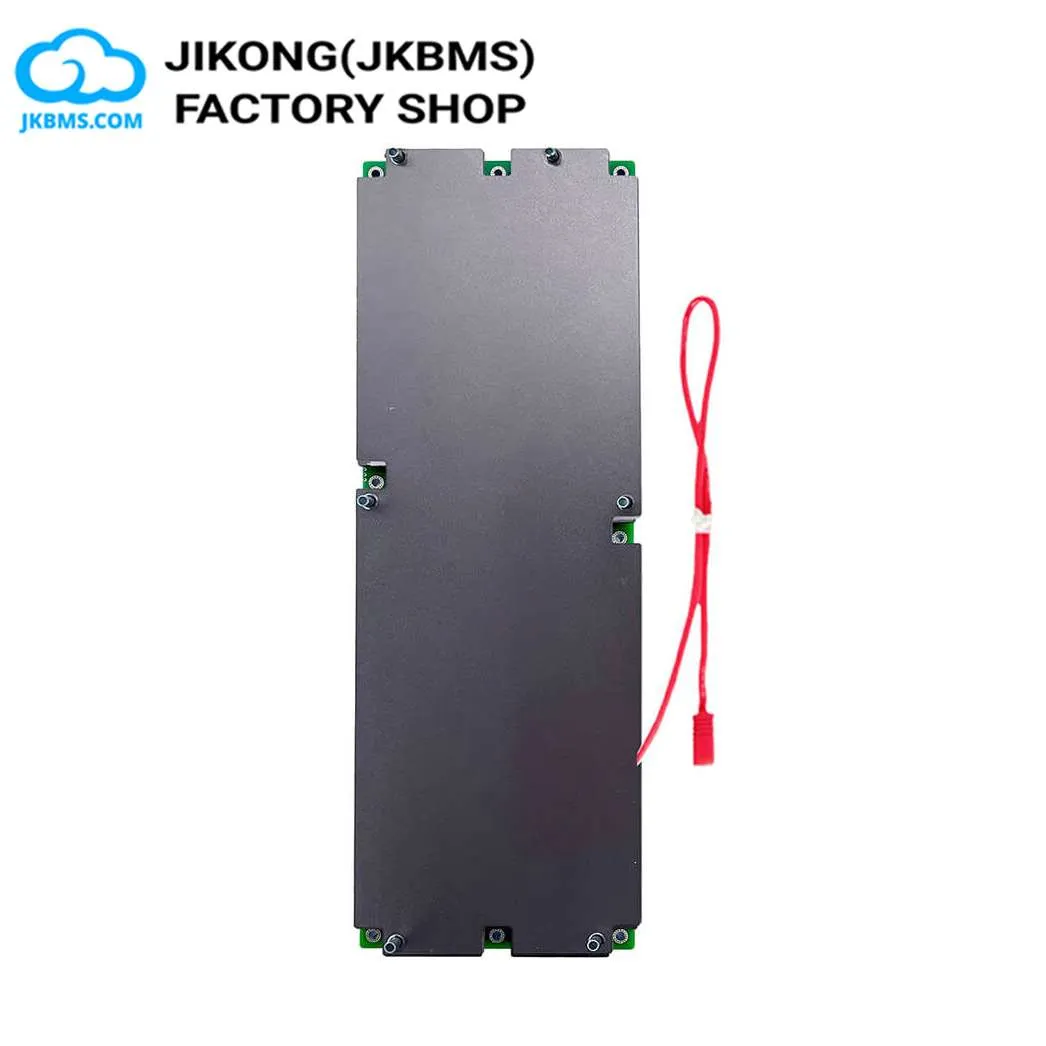 JK-PB2A16S30PJKBMS JK-PB Series JK-PB2A16S30PJKBMS JK-PB Series | $188.98 | 8-16S | 300A | 2A | Bluetooth, CAN, Heating Function, RS485 |
Use the question that is driving the purchase
If the request begins “I have this pack layout and need a board at this current,” route it to the JK-BD catalog. If it begins “This battery must exchange data with this inverter,” route it to the JK-PB catalog. The exact SKU still depends on the complete requirement set.
A quotation still needs the exact series count, sustained current, balance requirement, interface variant, protocol, screen, cable, quantity, and destination. “BD” or “PB” alone is not an orderable configuration.
Match the quotation to a product URL on www.batteryboxkit.com and confirm that replies come through the contact information published on the website verification page.
Which unanswered question sends you to each family?
| What the buyer knows | Open JK-BD first when… | Open JK-PB first when… |
|---|---|---|
| Primary problem statement | The pack architecture and current path are already known, and the task is to find a matching smart BMS. | The inverter and storage application are already known, and the task is to assemble a compatible control and monitoring path. |
| First evidence to collect | Chemistry, exact cells in series, capacity, sustained load, surge duty, and enclosure conditions. | Inverter label, full model, battery voltage window, communication port, protocol expectation, and display requirement. |
| Current-rating check | Compare model ratings only after the complete conductor, fuse, cell, thermal, and protection path is understood. | Calculate battery-side demand from the storage design, then confirm the selected PB configuration and the rest of the current path. |
| Communication burden | Choose the needed monitoring or wired interface variant after the electrical model has been shortlisted. | Treat protocol, pinout, cable, display, and firmware confirmation as part of the initial configuration rather than an accessory decision. |
| Common quotation gap | A buyer identifies the board but does not name the screen, harness, or communication accessory shown in the intended installation. | A buyer identifies an inverter-compatible family but omits the exact protocol choice, display bundle, or cable required to complete the link. |
| Catalog entry point | Filter the JK-BD range | Filter the JK-PB range |
Route the request to JK-BD when the pack leads
- The chemistry, cells in series, capacity, and expected load are already documented.
- The main task is narrowing a board by operating range, sustained current, and balancing class.
- Monitoring and wired communication matter, but a named inverter protocol is not defining the entire purchase.
- An installed JK-BD model is being replaced and the labels, connectors, harnesses, and surrounding system can be photographed.
Use the JK-BD page to remove incompatible ranges, then record the complete SKU and any separately listed screen, module, cable, or harness before asking for price.
Route the request to JK-PB when the inverter leads
- The battery is being designed as part of a named residential or commercial storage system.
- The inverter must receive operating data or limits from the BMS through a confirmed communication route.
- The screen, cable, protocol selection, and system commissioning assumptions need to be reviewed together.
- The purchasing team needs one quote that distinguishes the BMS package from cells, enclosure, inverter, and installation work.
Use the JK-PB page only after collecting the exact inverter brand and model. A statement such as “CAN inverter” is not enough to confirm protocol compatibility or cable pinout.
Copy this evidence list into the quotation request
- New build or replacement project
- Chemistry, exact series count, and capacity
- Sustained current with operating duration
- Surge source, current, and duration
- Balancing objective and current pack condition
- Inverter brand, full model, and label photo
- Communication bus, protocol, and connector photos
- Phone monitoring and local display requirement
- Required cables, harnesses, modules, and spares
- Quantity, destination, and required arrival date
Complete the hardware list using the monitoring and accessory catalog and the inverter cable catalog. Product images are references; the written selected option controls what is supplied.
Still unsure which catalog to open?
Send the evidence list as a purchase brief. The first reply can resolve the family before anyone spends time comparing model codes.