
JKBMS Accessories
EJ-BM16-500A Smart Battery Monitor
Accessory for JKBMS monitoring, display, communication, or parallel operation
- Discharge
- 0-500A
- Capacity
- 0.1-9999Ah
- Size
- 15 × 15 × 5 cm
- Weight
- 5950 g
Price range$80.00 - $87.00
View detailsJKBMS ACCESSORIES
Find supporting hardware for JKBMS installations, including LCD displays, battery monitors, wiring harnesses, communication modules, adapters, and model-specific accessories.
Orderable catalog
JKBMS accessories can be model-specific. Open each product page to confirm the compatible BMS family, connector, communication interface, included cable, and installation requirements.
JKBMS Accessories
Accessory for JKBMS monitoring, display, communication, or parallel operation

JKBMS Accessories
10-80V battery monitor with a 0-500A range and selectable shielded lead length

JKBMS Accessories
Accessory for JKBMS monitoring, display, communication, or parallel operation

JKBMS Accessories
Accessory for JKBMS monitoring, display, communication, or parallel operation
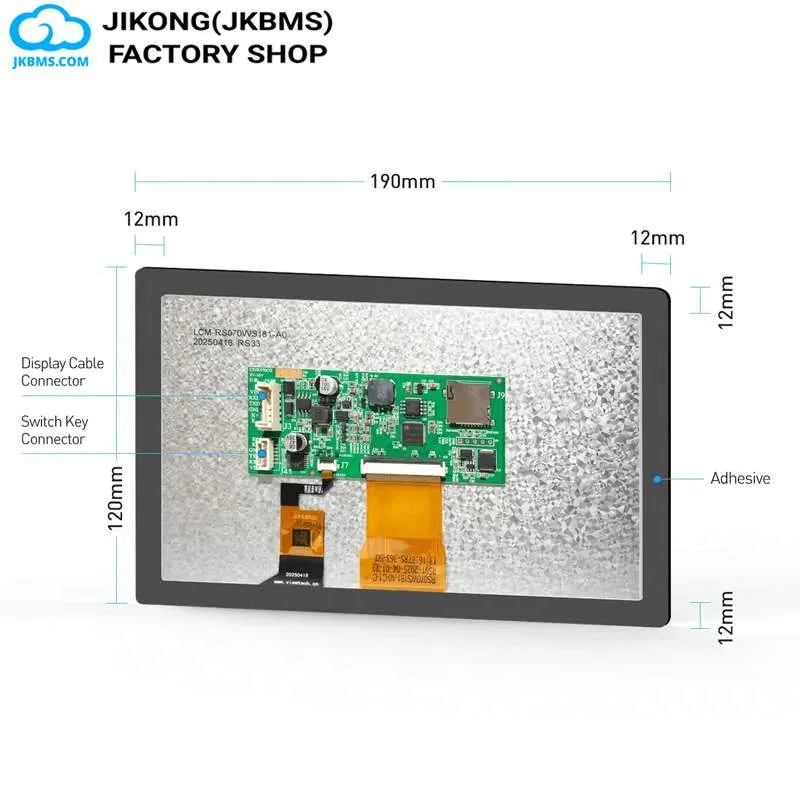
JKBMS Accessories
Accessory for JKBMS monitoring, display, communication, or parallel operation
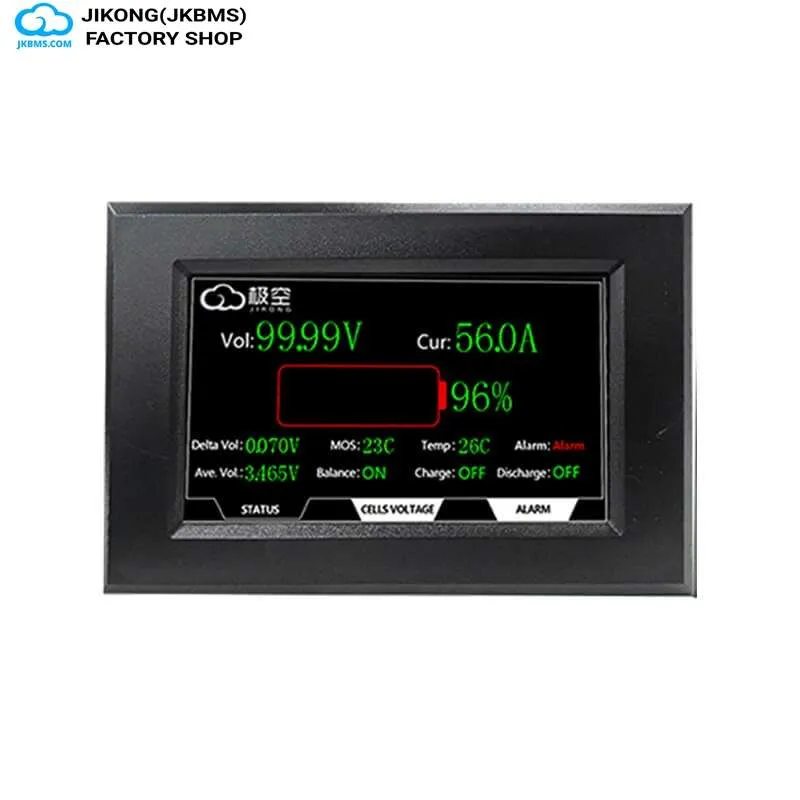
JKBMS Accessories
Accessory for JKBMS monitoring, display, communication, or parallel operation
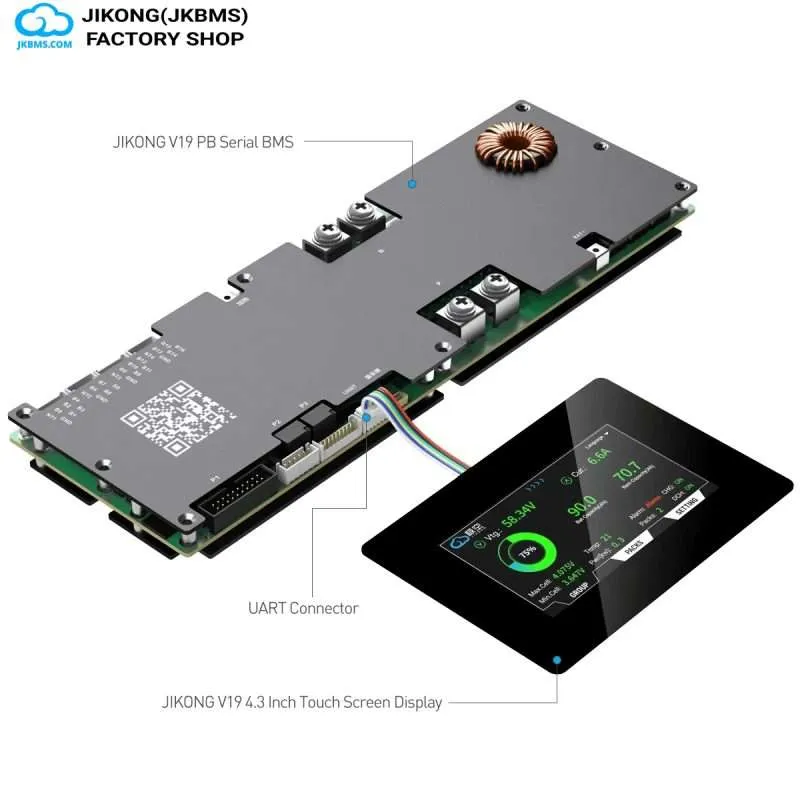
JKBMS Accessories
Accessory for JKBMS monitoring, display, communication, or parallel operation
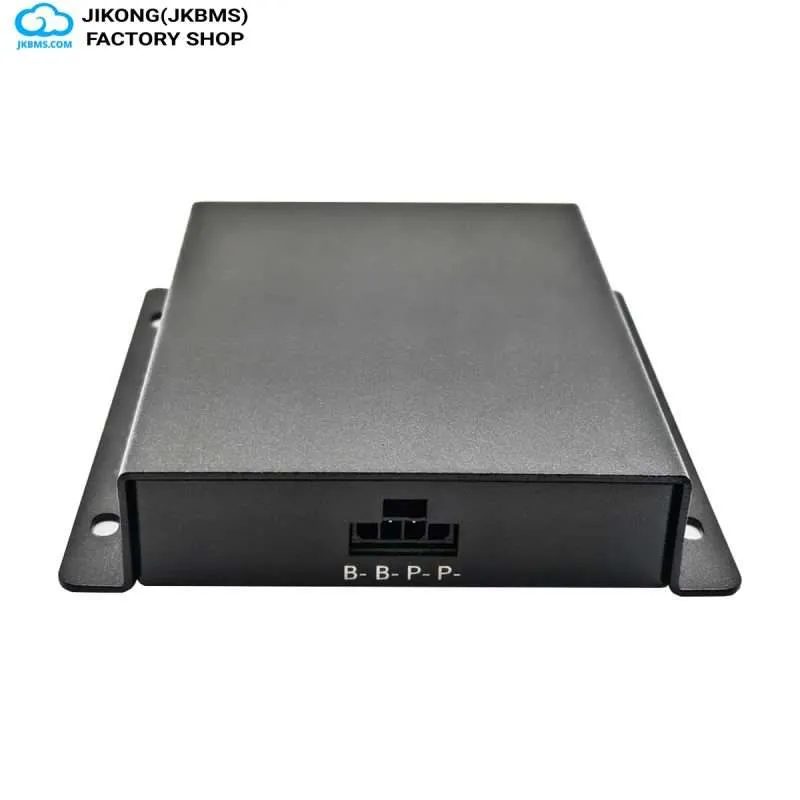
JKBMS Accessories
Accessory for JKBMS monitoring, display, communication, or parallel operation
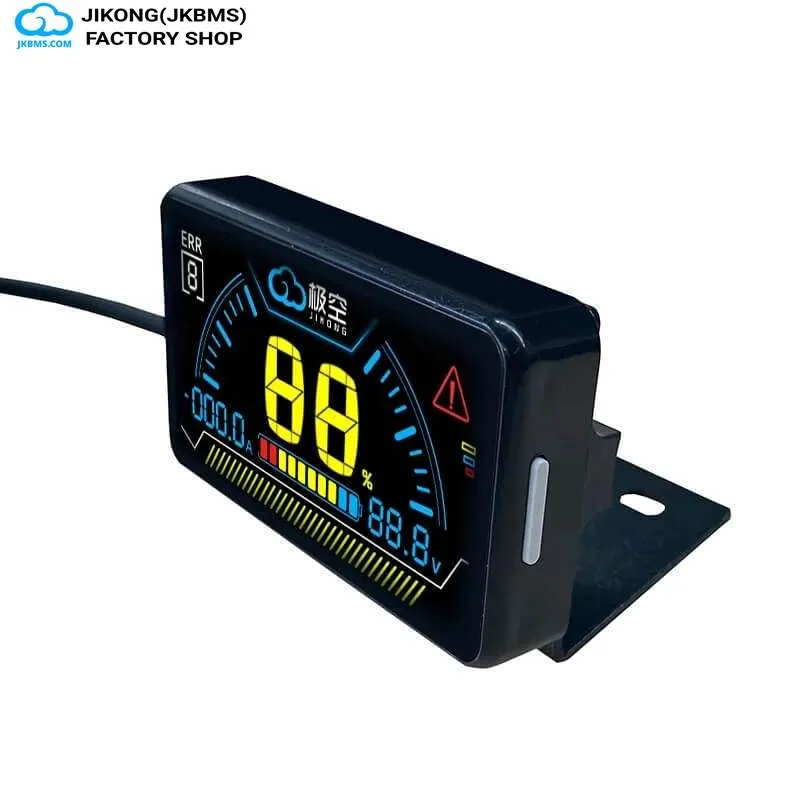
JKBMS Accessories
Accessory for JKBMS monitoring, display, communication, or parallel operation
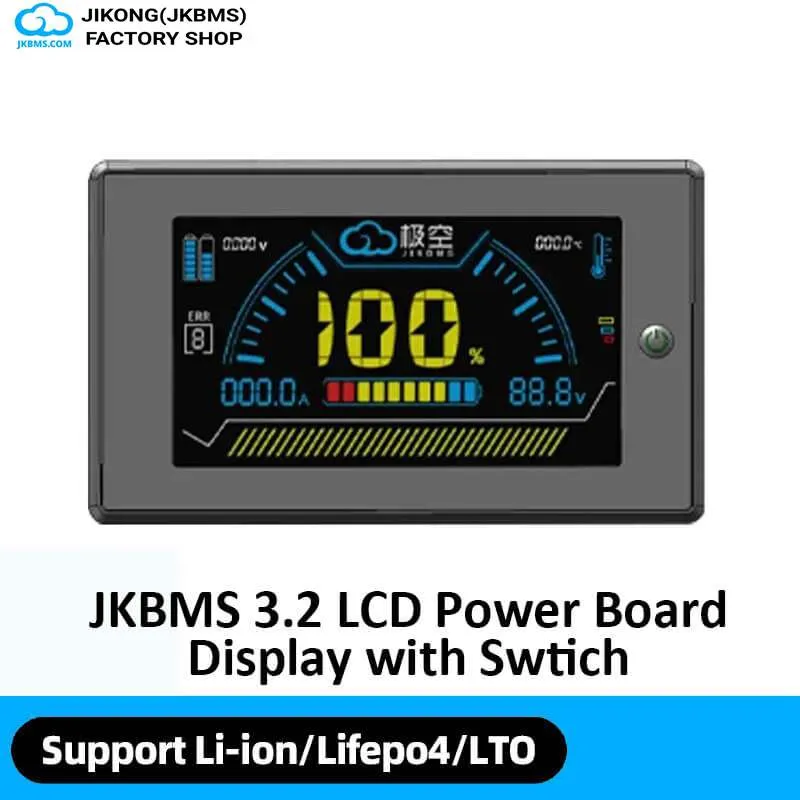
JKBMS Accessories
Accessory for JKBMS monitoring, display, communication, or parallel operation
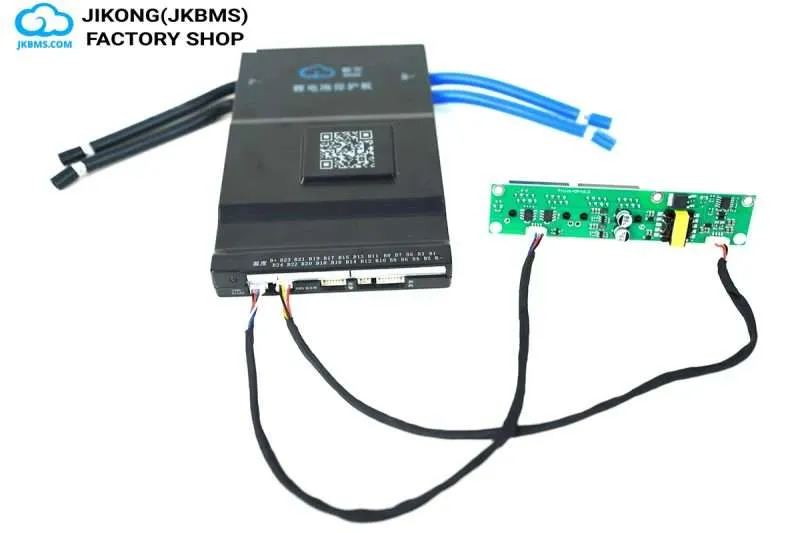
JKBMS Accessories
Accessory for JKBMS monitoring, display, communication, or parallel operation
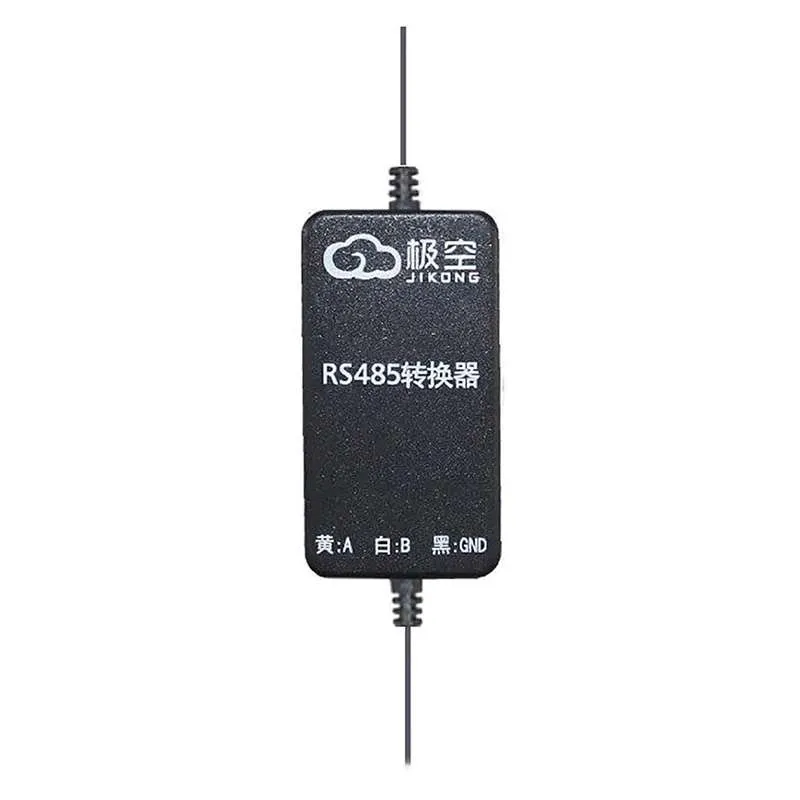
JKBMS Accessories
Accessory for JKBMS monitoring, display, communication, or parallel operation
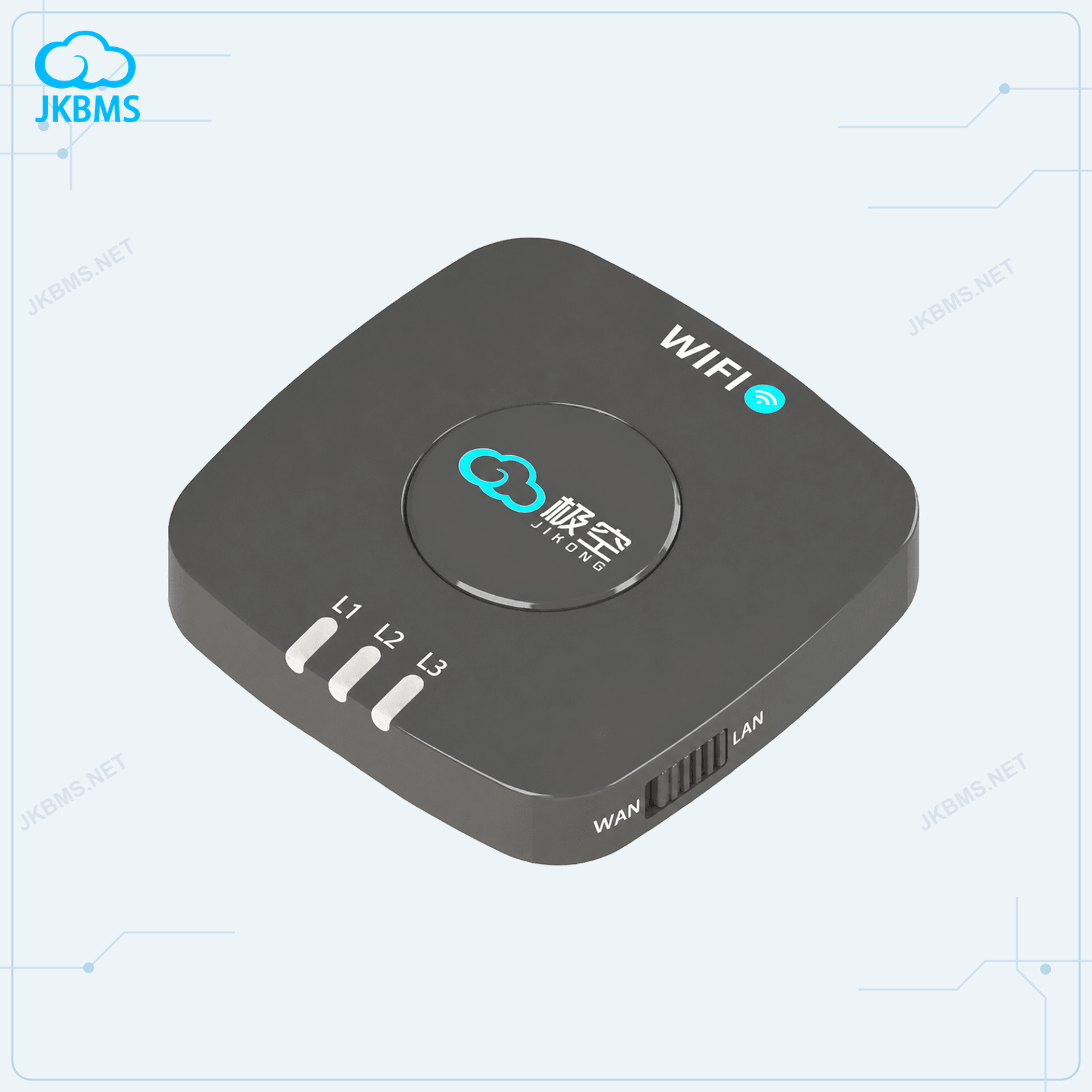
JKBMS Accessories
2.4GHz WiFi monitoring through TTL or RS485

JKBMS Payment Link
For confirmed custom product, shipping, balance, or service payments
Before selecting a SKU
Displays, modules, harnesses, and adapters may use similar housings while supporting different connectors or communication standards. Match the accessory to the exact BMS model and intended function.
Check display size, connector type, included harness, supported BMS series, and whether the screen requires a separate communication module.
Different systems may require UART, CAN, RS485, Bluetooth, GPS, or another model-specific interface. Verify both hardware and protocol support.
Confirm cable length, terminal type, mounting method, and whether additional adapters or harnesses are needed for the installation.
Purchase scenarios
Quotation FAQ
Use these answers to identify configuration gaps before comparing unit prices or approving a purchase.
JKBMS Displays, Monitors and BMS Accessories lists 14 official products from the JKBMS and JKESS catalog. Open each product page to confirm exact model specifications and order scope.
Verify the official domain www.batteryboxkit.com, the company name JKBMS Electronic Technology Co.,Ltd, and the official sales email zhou@jkess.com before payment or bulk purchasing.
Purchase-routing directory
Start with chemistry, series count, sustained current, and balancing needs; select monitoring and wired interfaces after the electrical shortlist.
Open this routeJK-PBStart with the named storage inverter, battery-side demand, protocol, display, and cable requirements before choosing the PB configuration.
Open this routeJK-B1AReview lower-series pack requirements, current duty, physical fit, monitoring, and the balance-current class expected for the build.
Open this routeJK-B2ACompare pack range and current duty while treating higher active-balance current as one design choice, not a substitute for healthy matched cells.
Open this routeACCESSORIESAdd the exact display, monitor, module, adapter, harness, or spare that is required instead of assuming pictured hardware is included.
Current purchase routeReady to power your future? Contact us for a custom quote or partnership inquiry.
 WhatsApp
 WeChat