Match it to the cells and the load
Confirm the battery pack is within 16S. Match the continuous current rating to the actual load and protection design. Confirm the required active-balancing current before choosing a model.
 1 / 3
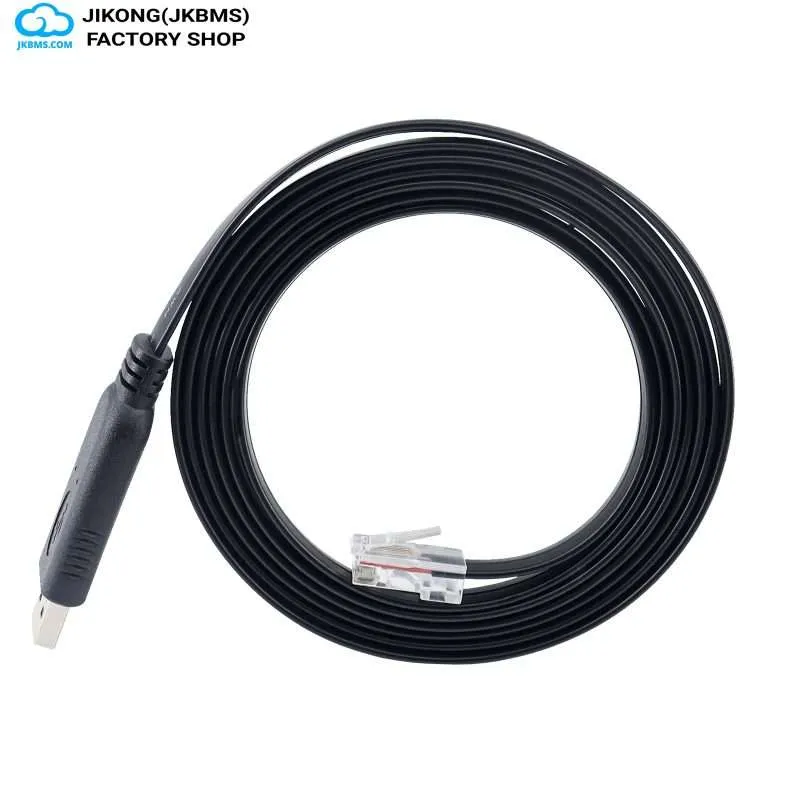
1 / 3JKBMS Inverter Cables
JKBMS service and communication cable for setup or inverter interface work
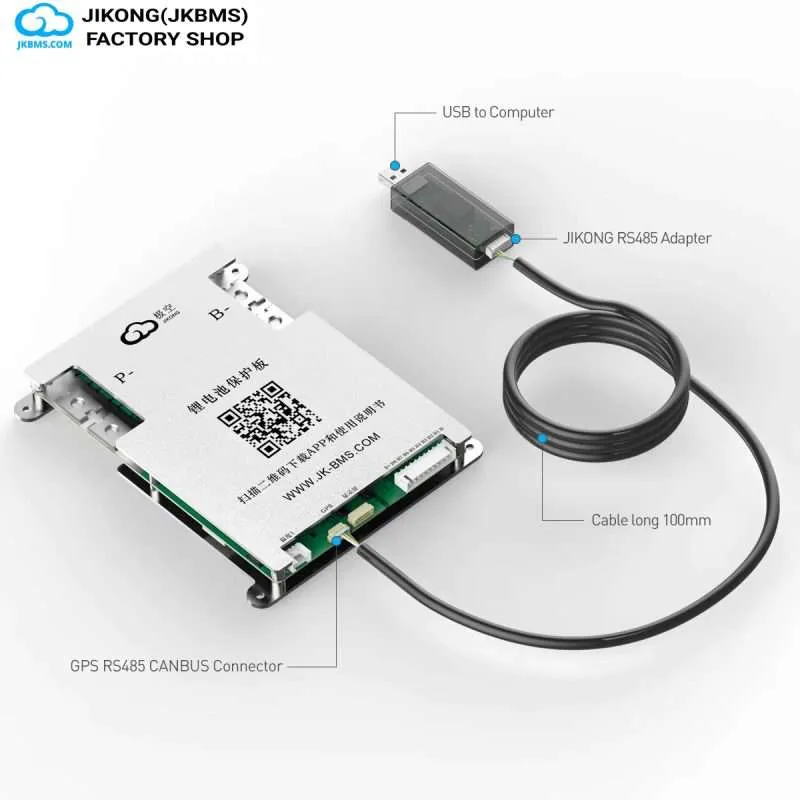
JIKONG BMS USB-RS485-RJ45 Cable is a JKBMS cable accessory listed from $14.98. Use it for model-specific setup, firmware, parameter, or interface work after confirming connector and protocol compatibility.
Shipping is calculated by destination during checkout. PayPal verifies and captures the final amount securely.
Product details
SELECTION HELP
FIT AND INSTALLATION NOTES
JK-PBXA16SXXP is ordered against the unit it attaches to, not against a spec table: the connector, the pinout at both ends and the firmware it has to talk to decide whether it works at all. Confirm those three first, because a mismatch in this class shows up as a device that simply does not answer.
Bought for a link between a BMS and an inverter, charger or service laptop that has to match on both ends. Within the JKBMS inverter cable and communication accessories, that is the job this one is sized for.
The numbers to design against: 16S series. Read them against the load and the cells, not against another model's headline figure.
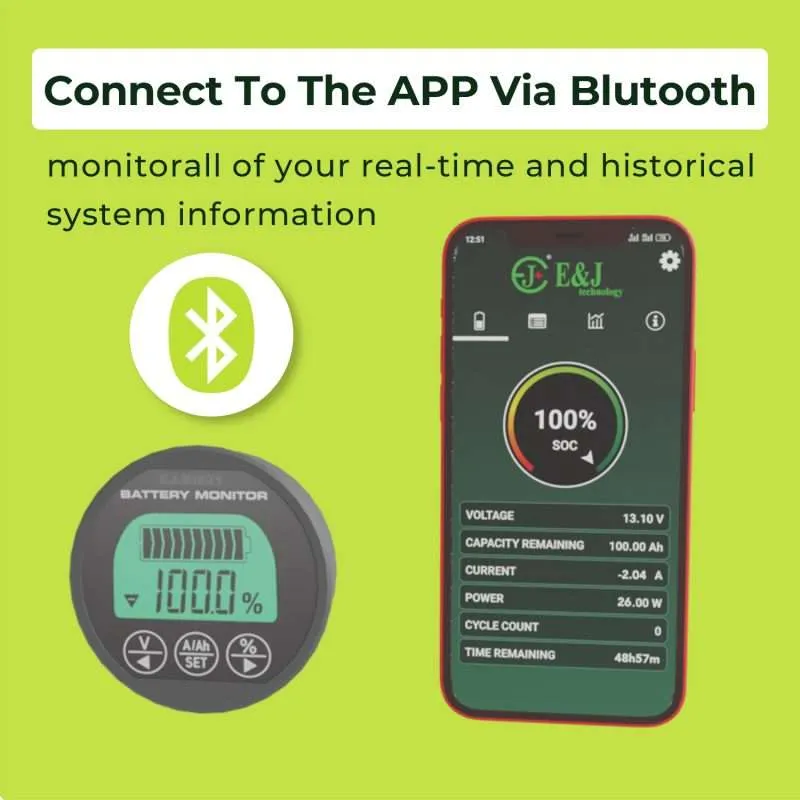
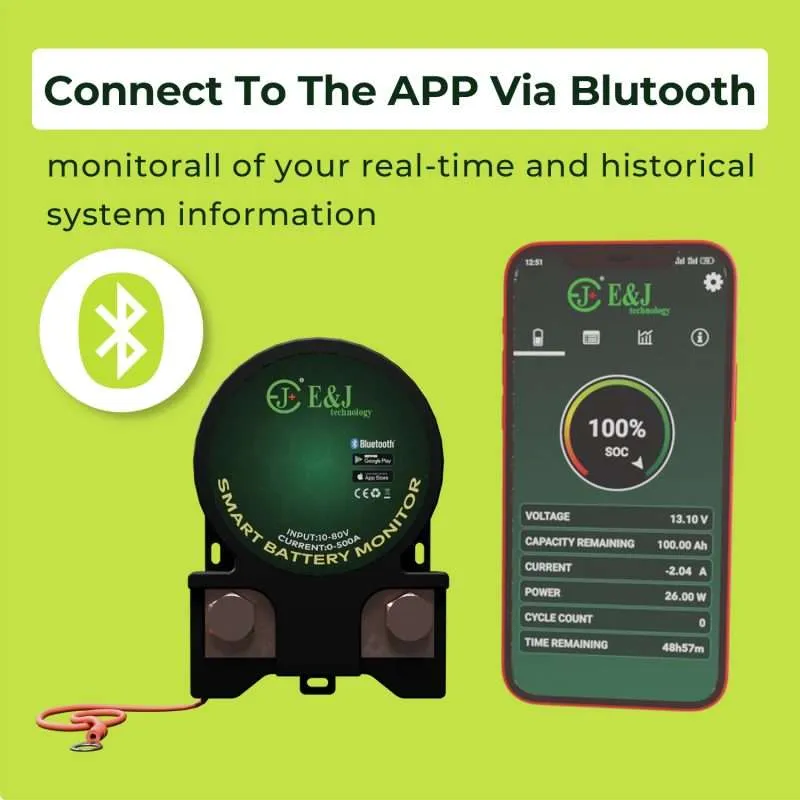
Decide early whether the finished installation needs Bluetooth, a wired display, a CAN or RS485 link, or a USB service adapter, because that choice often determines which port is free.
Model planning
The figures below are the ones that decide whether JIKONG BMS USB-RS485-RJ45 Cable works in a given pack. Read them against the cells and the load before ordering.
System fit checks
Four things worth settling while the order is still changeable, and one worth doing in the right order once the hardware arrives.
Confirm the battery pack is within 16S. Match the continuous current rating to the actual load and protection design. Confirm the required active-balancing current before choosing a model.
Select cables by exact BMS model, inverter model, protocol, connector type, and wiring role. A matching connector alone does not confirm protocol compatibility.
Use suitable fusing, cable size, torque, ventilation, insulation, and commissioning checks for the final battery system.
Ring the cable out against both manuals before energising anything. A plug that seats proves the mechanical fit and nothing about the pin assignment behind it, and a mismatched pinout is the usual way a communication port gets damaged.
Buying notes
Practical points buyers raise before paying: where the product comes from, what documentation to check first, how it ships, and how the price is set.
The RJ45 housing is shared across the industry while the pin assignment is not. Confirm the inverter brand, the protocol it expects, and the BMS port assignment before ordering, because a physically fitting cable can still be wrong electrically.
This catalogue is operated by JKBMS Electronic Technology Co.,Ltd rather than a reseller, so model configuration, documentation, and warranty questions are answered by the manufacturer instead of being referred upstream.
Cables and accessories ship free worldwide. Orders combining cables with a battery enclosure kit follow the kit freight rule for the whole shipment.
Each configuration is priced separately and the total is re-checked on the server at checkout, so the price shown for the selected SKU is the price charged. Larger quantities are quoted separately through a bulk enquiry.
Product FAQ
JIKONG BMS USB-RS485-RJ45 Cable is a JKBMS cable accessory listed from $14.98. Use it for model-specific setup, firmware, parameter, or interface work after confirming connector and protocol compatibility.
Take the figures from the spec table on this page and check them against the pack, the load and the space available. Model names are not specific enough to select on.
Selected JKBMS cable model; Connector lead supplied with the selected cable; Basic product packing from the supplier. Not included: BMS main unit, inverter, battery cells, and external system hardware; Installation, firmware update, parameter setup, or compatibility debugging service. Where a configuration option changes the contents, the option selected at checkout is what ships.
JK-PBXA16SXXP is stocked here as a jkbms inverter cables listing. JKBMS hardware is built by JKBMS Electronic Technology Co.,Ltd, and BatteryBoxKit is the storefront that holds and ships it, so orders leave from held stock and confirmations come from zhou@jkess.com.
This listing carries a single configuration. Order directly from this page; boards, displays, cables and accessories ship free. If the cart also includes a battery kit, that kit's destination-based shipping rule applies, so confirm the destination before paying.
Shipping and return terms apply to this listing and to every configuration shown above.

Ready to power your future? Contact us for a custom quote or partnership inquiry.
 WhatsApp
 WeChat